
AiNotes — AI notes that answer your questions · Ask your notes and they answer
 AI
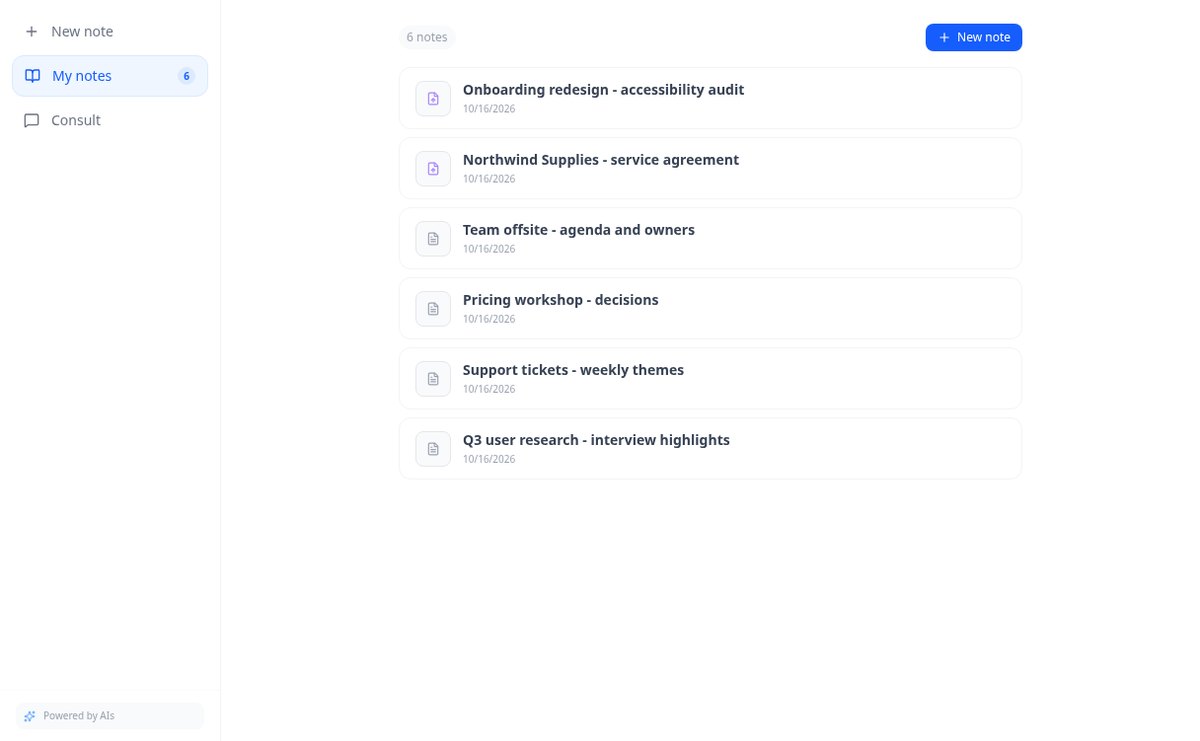
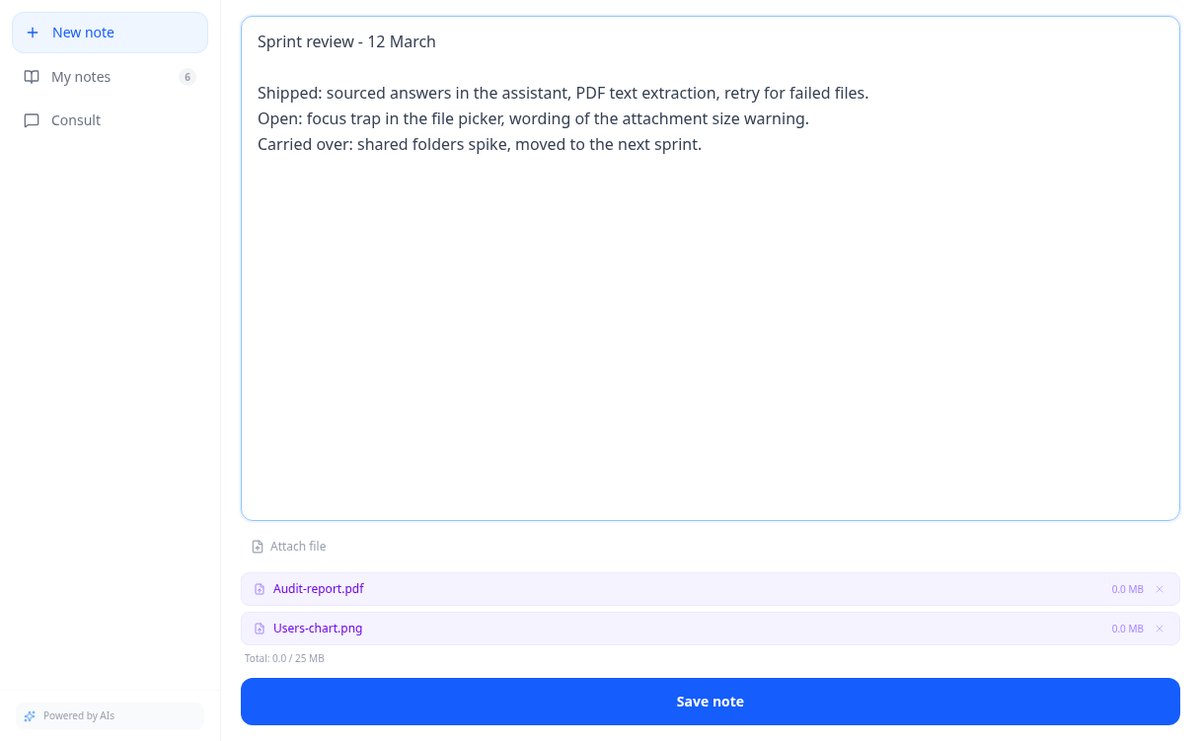
Save notes and attach PDFs and images to the same note. AiNotes reads everything and replies via chat, indicating which note each answer came from.
In the features that use AI, responses are generated by artificial intelligence and are not a substitute for professional advice.
您以為賺了 40%,實際上卻是在花錢上班嗎?
問題不在於算錯,而在於漏掉了項目。您以 3 € 進貨、以 9 賣出,於是認為有 40% 以上的利潤。但物流商不是按磅秤上的重量收費,而是按計費重量——實際重量與體積重量中較大者——關稅與進口加值稅是針對整批貨件而非單件,通關費是必須分攤的固定費用,通路拿走手續費再加一筆固定費,金流再收一筆,包裝要花錢,退貨讓您付兩次運費,而瑕疵品的損失則由賣得出去的商品來承擔。全部加起來,40% 就變成 6%,甚至虧損。本應用程式把一切放在同一張表上,逐項回傳每件成本,總額與您看到的各項之和吻合。而且因為您真正要決定的不是利潤率而是價格,它還反向求解:您設定的利潤率所需的最低售價、不賺不賠的價格、要賣出多少件才能回收支出,以及運費上漲 50% 或退貨加倍時會怎麼樣。稅務參數由您輸入,內建的目錄僅供參考並明列日期:這不是稅務或報關建議,只是用您提供的資料,把帳算清楚。
Start for free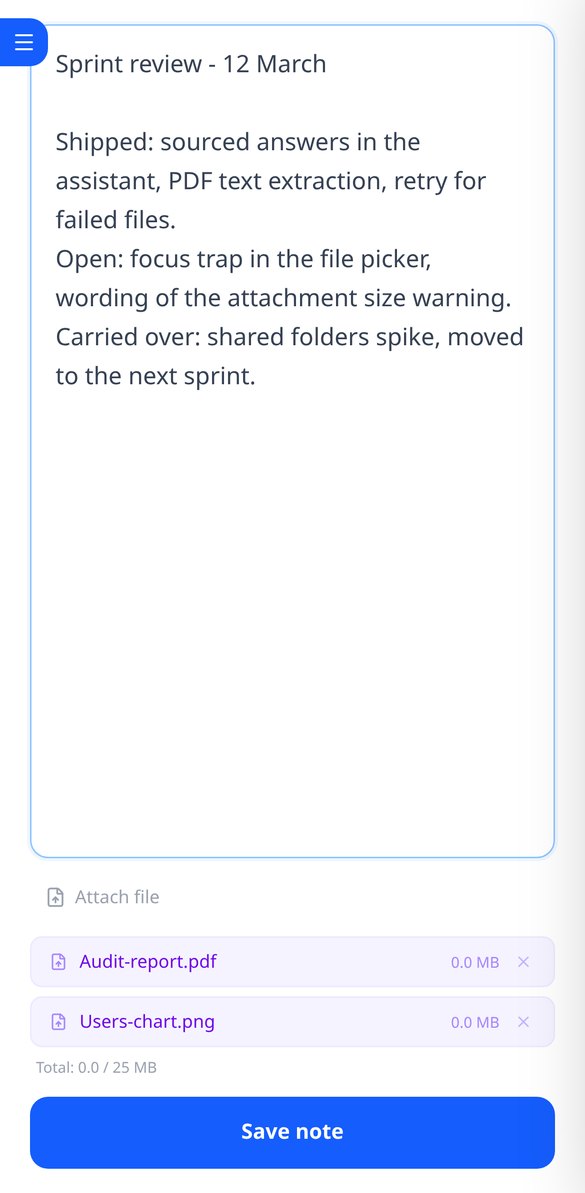
Discover every feature in detail

Online notebook for writing and editing free text | AiNotes
Write free text notes without templates and edit them whenever you want: AiNotes saves the content, generates the title automatically, and updates the index when corrected. Free.
View feature
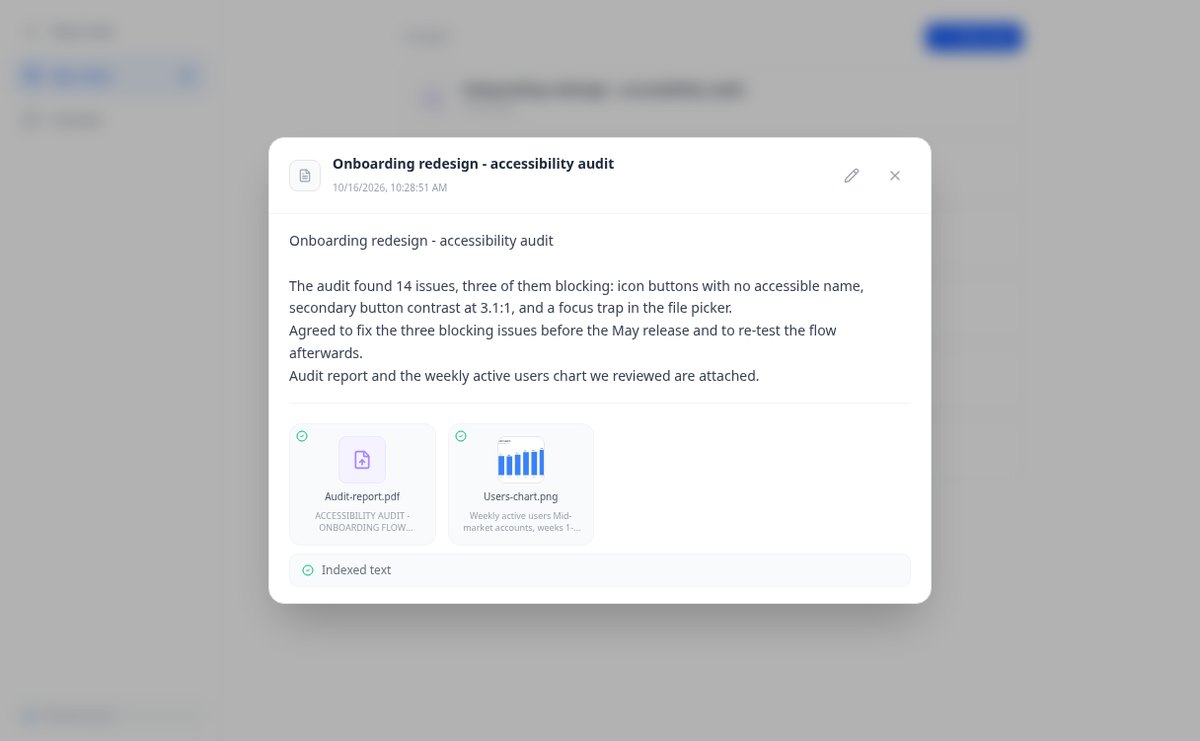
Notes with attached PDFs and images, up to 25 MB per note | AiNotes
Attach multiple PDFs, PNG, JPG, WebP, or GIF to each note —up to 25 MB— by dragging them into the editor, and later query their content via chat. Free at AIsToHire.
View feature
Notes that index themselves with Gemini embeddings | AiNotes
AiNotes breaks down each note and attachment and converts them into vectors with gemini-embedding-001 upon saving, allowing for meaning-based searches and chat inquiries. Free at AIsToHire.
View feature
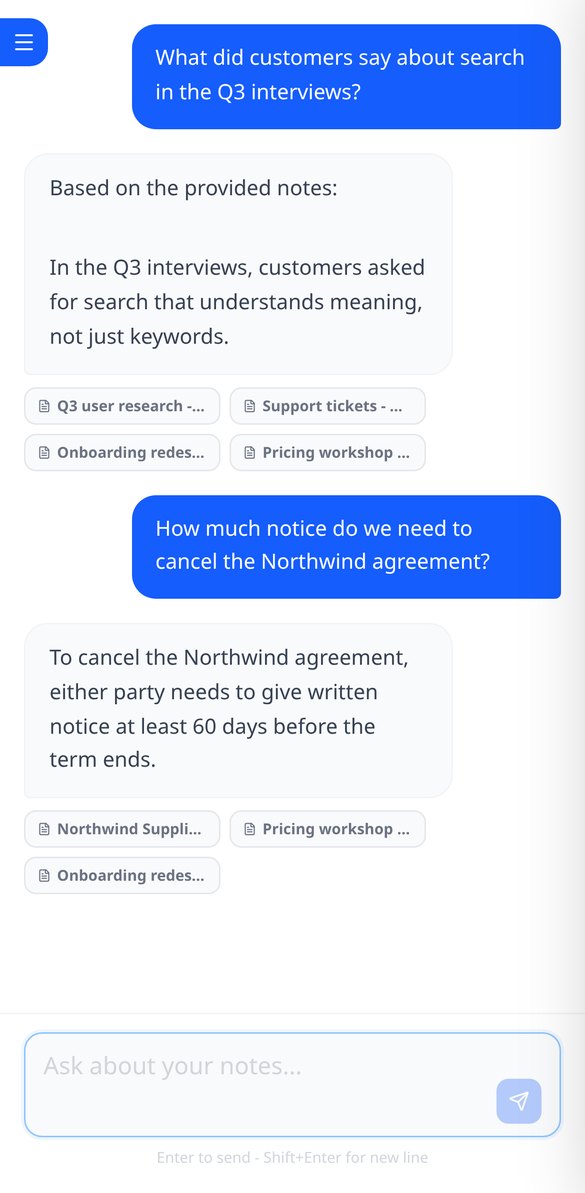
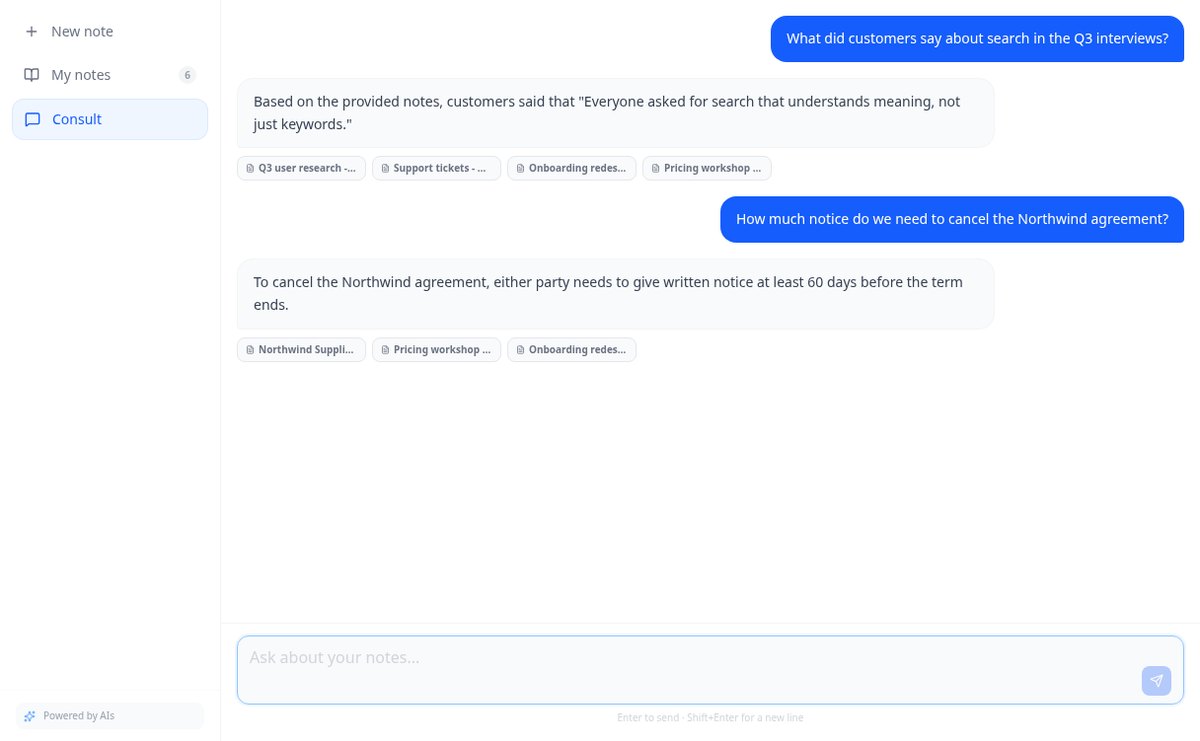
Chat that answers with your notes and cites the source | AiNotes
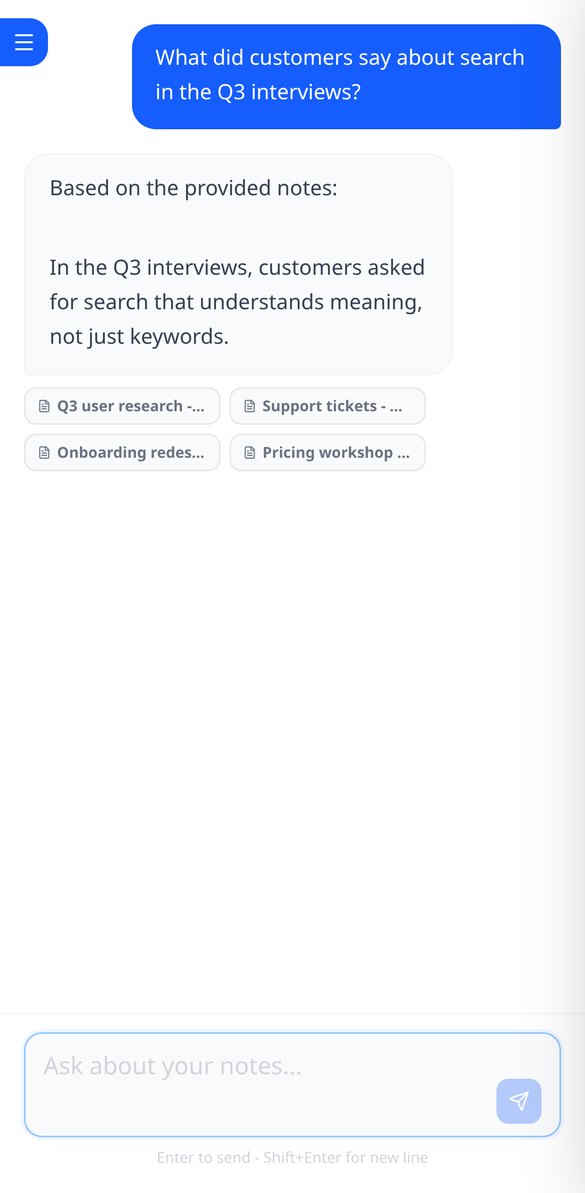
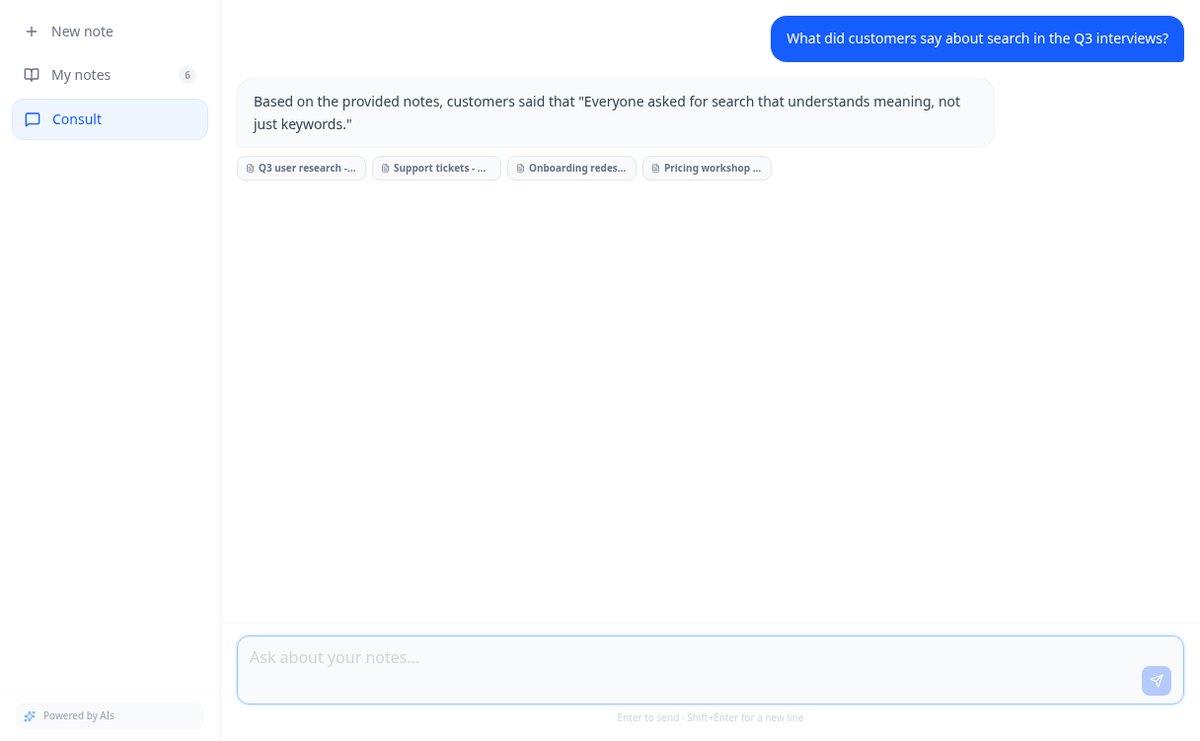
Ask your notes and PDFs: AiNotes searches for the 5 most relevant snippets, responds only with them, and shows the title of each note used. Free at AIsToHire.
View featureNotes that understand what you save
一切都是確定性的計算,在您輸入的同時於瀏覽器中執行:即時、免費,且不需帳號。需要帳號的是儲存情境與批次,以及下載 PDF 或 CSV,因為那確實會佔用伺服器空間。
Notes and documents in the same note
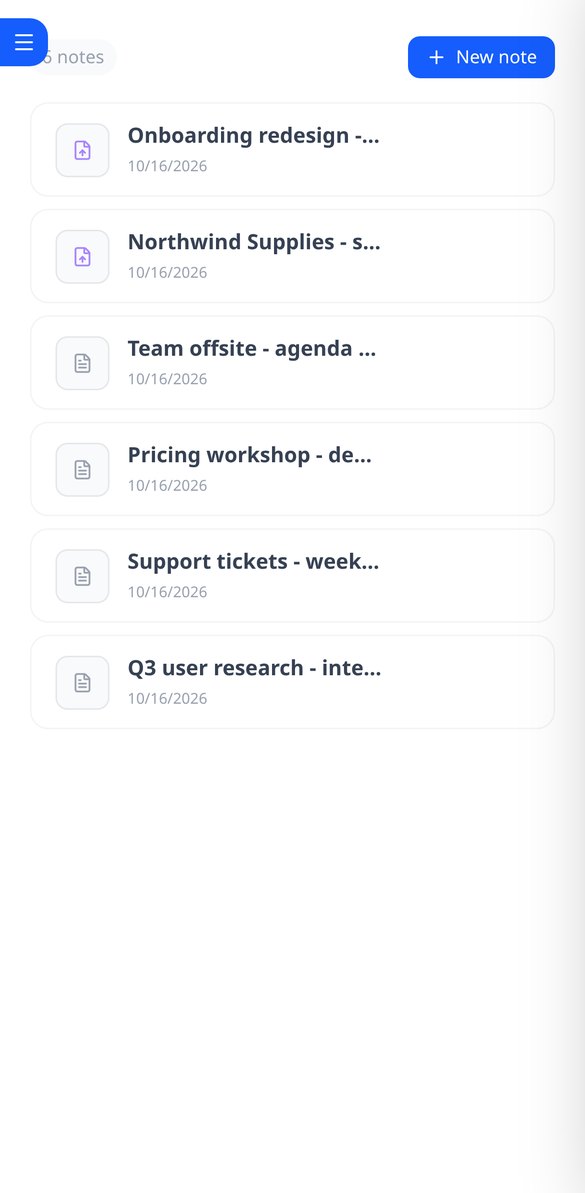
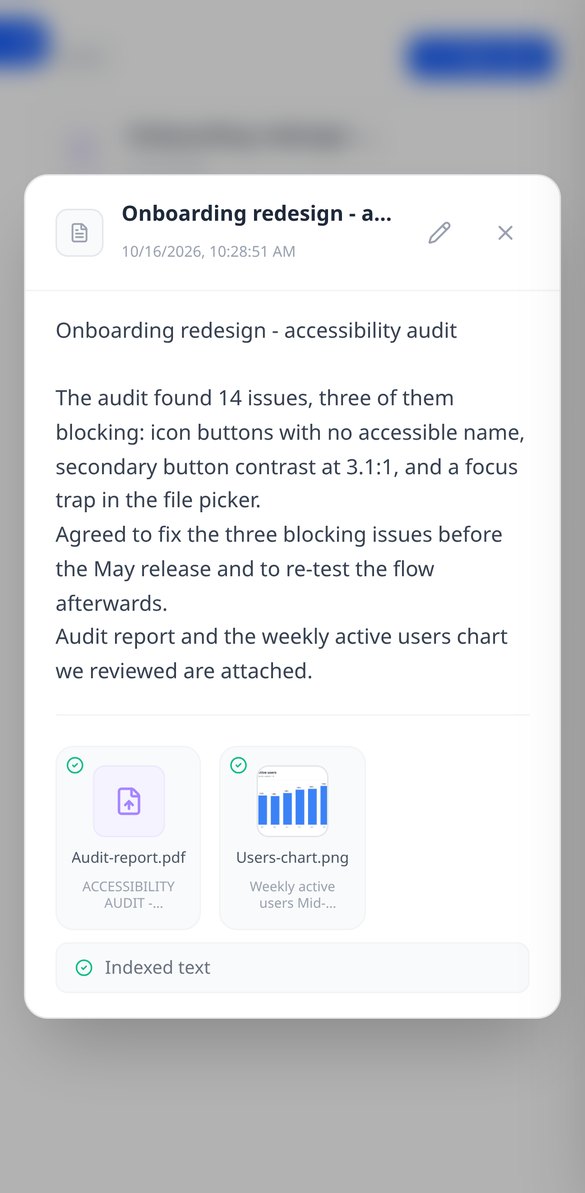
Write the note and attach PDFs or images (PNG, JPG, WebP, and GIF) by dragging them, up to 25 MB per note. Everything stays together, with preview and download.
AI reads every note and every file
When you save, AiNotes automatically splits and indexes the content. You see the status of each item (processing, ready, or error) and can retry the one that fails.

Chat that answers by citing your notes
Ask in your own words and the assistant responds using only your content, showing the notes it got the information from. If it's not in your notes, it tells you.
Get started in three steps
輸入您的成本
供應商價格與幣別、數量、運費、箱子的重量與尺寸、目的地國家與產品類別。不需帳號、不需安裝任何東西,結果會在您輸入的同時重新計算。
輸入通路向您收取的費用
通路與金流手續費、包裝、誰負擔運費、退貨率與瑕疵品比例,以及您想要的利潤率。目錄會提供附日期的參考值,但永遠以您輸入的為準。
看數字,然後決定
逐項列出的每件成本、最低售價、損益平衡點、評語、敏感度分析與通路表。若整批貨有多個品項,則提供完整損益表。有帳號時,您可以儲存並下載為 PDF 或 CSV。
Frequently asked questions
Latest blog articles
Guides and news to get more out of it
Is it legal for an AI bot to record and transcribe your meetings? What has changed in 2026
Lawsuits against Otter.ai, the position of the AEPD from January 2026, and a checklist for transcribing meetings with AI without violating the GDPR.
Search for data in your PDFs and notes: why Ctrl+F fails you and what really works
Ctrl+F finds nothing in a scanned PDF because it contains an image, not text. We explain why and how to ask your own notes and PDFs.