
ThumbLab · Thumbnails that make sense before clicking
 AI
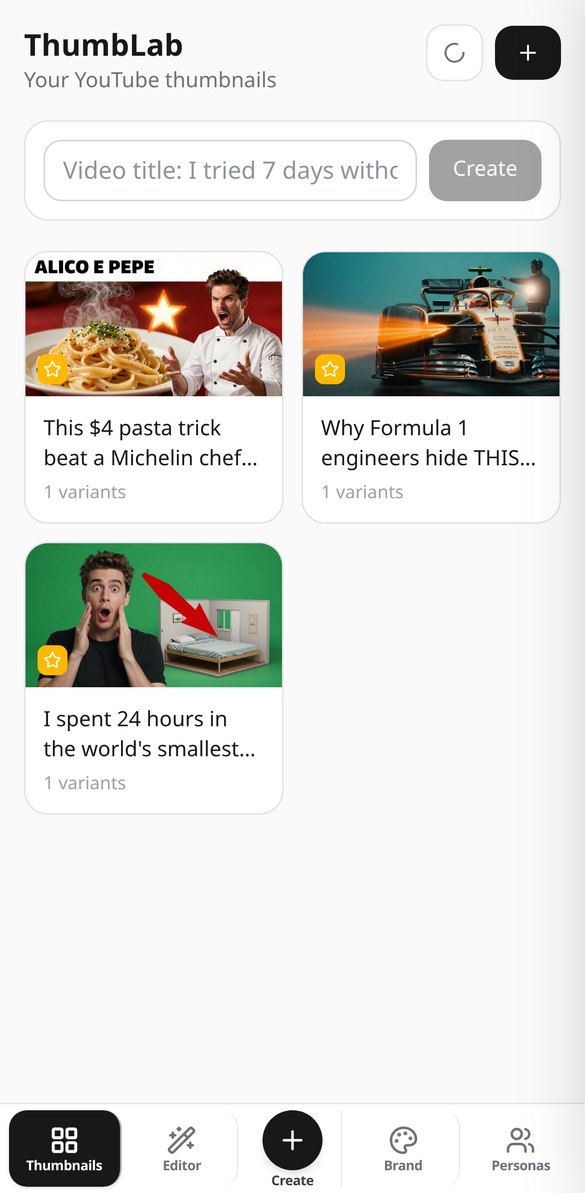
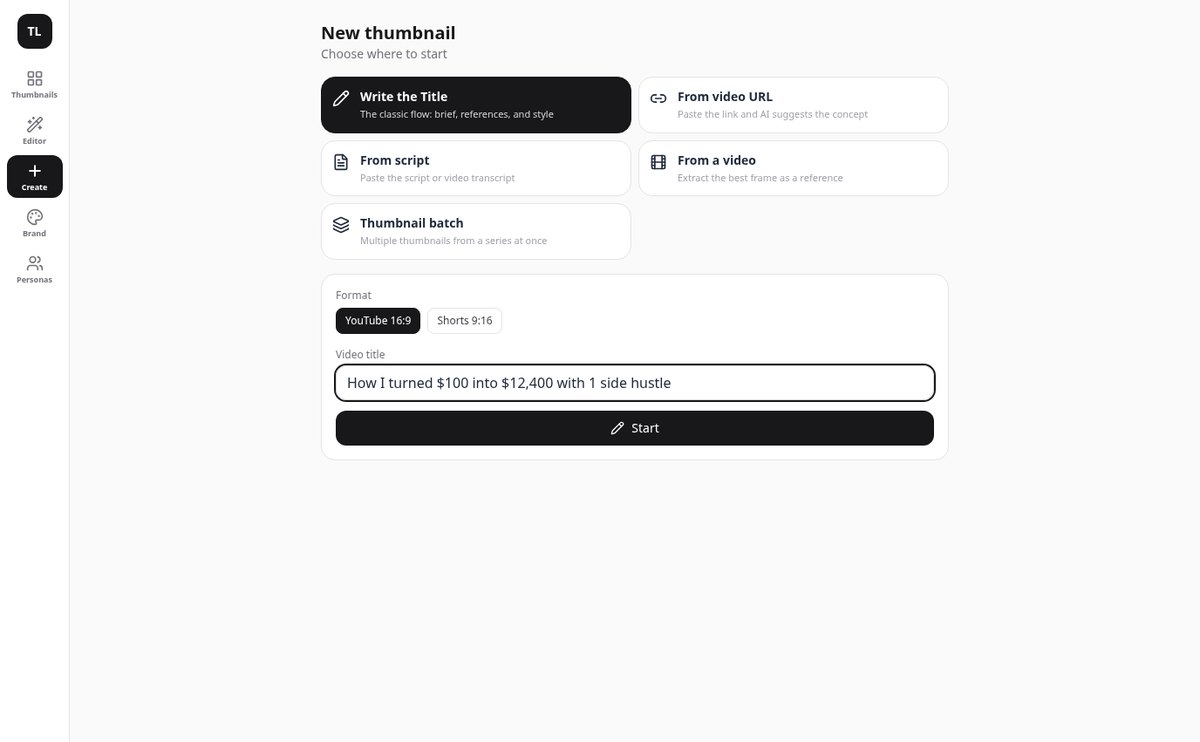
From video title to exported thumbnail without leaving the app: upload your face as a reference, generate two variants with AI, write the text on top, and check it reads at 120 pixels before publishing.
In the features that use AI, responses are generated by artificial intelligence and are not a substitute for professional advice.
Apakah Anda mengirim CV yang sama ke semua lowongan karena menyesuaikannya memakan setengah sore?
CV umum gugur di filter pertama dan menyesuaikannya secara manual mengharuskan Anda membaca ulang lowongan, mencari pengalaman Anda yang cocok, dan menulis ulang setengah dokumen. AIsToCV membaliknya: karier Anda diceritakan satu kali dan tersimpan sebagai profil utama. Dari situ, setiap lowongan yang Anda tempel menjadi tabel kecocokan yang menunjukkan, persyaratan demi persyaratan, apa yang Anda penuhi dan dengan bukti apa dari profil Anda, dan CV dibuat berdasarkan tabel itu. Jika ada yang tidak Anda penuhi, Anda diberi tahu dan dihilangkan: tidak pernah dikarang pengalaman, sertifikat, atau angka yang tidak Anda berikan sendiri.
Start for free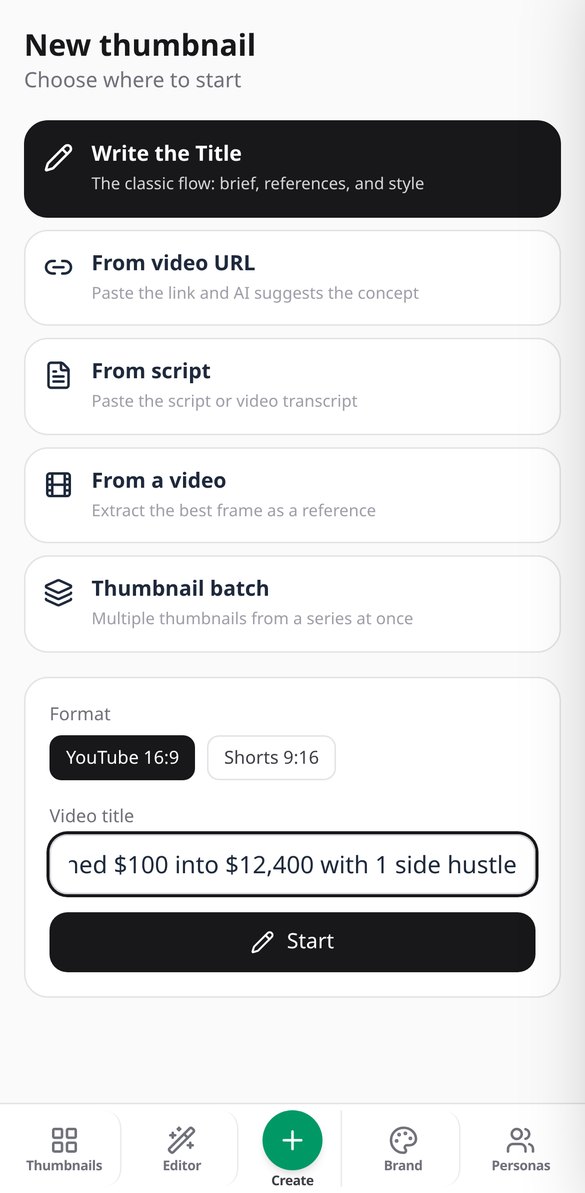
Discover every feature in detail
Generate 2 AI YouTube Thumbnails for A/B Testing | ThumbLab
Generate two A/B variants of your YouTube thumbnail with AI in one click, in 16:9 or 9:16 for Shorts, with editable prompt and real-size comparison. Try it for free on ThumbLab.
View feature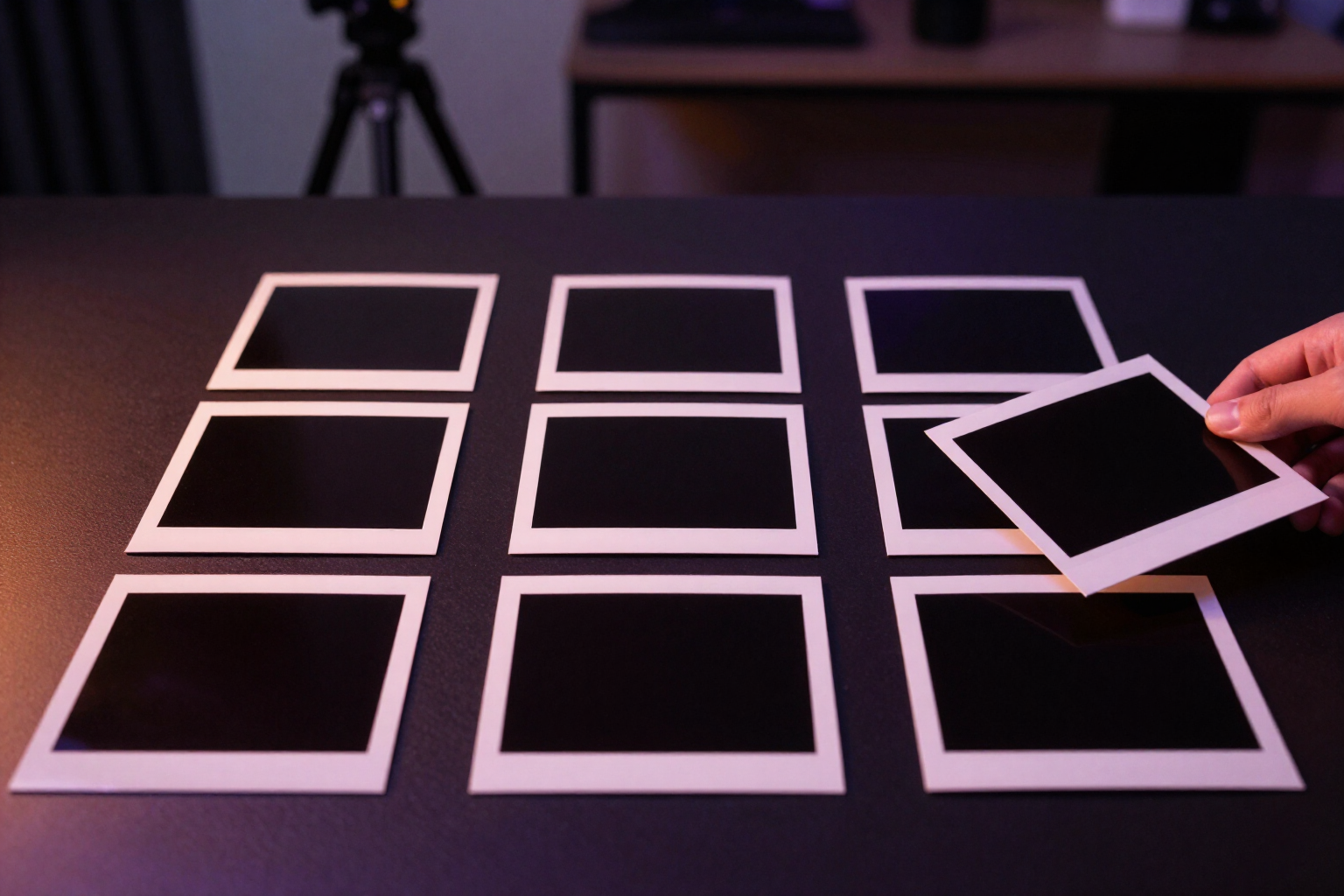
Extract the Best Frame from a Video with AI | ThumbLab
Upload your video and vision AI chooses the best frame for the thumbnail: six candidates, scored by expression, sharpness, and readability at 120 px. Without uploading the video to any server.
View feature
Thumbnail Idea from Video URL or Script | ThumbLab
Paste the YouTube, TikTok, or Vimeo link —or the video script— and the AI suggests a title, visual concept, style, emotion, and text hook for the thumbnail. Everything is editable.
View feature
Score your YouTube thumbnail's click-through rate with AI | ThumbLab
Score your YouTube thumbnail with AI: 0-100 score, criteria breakdown, improvement tips, and a warning if it’s not readable at 120 px. It also evaluates thumbnails you already have.
View feature
Retouch a Thumbnail Area with AI · ThumbLab
Mark an area of your YouTube thumbnail and edit it with AI: delete an element, replace it, match the lighting, or change the expression. The original is preserved.
View featureFrom video title to final thumbnail
Tiga hal yang biasanya tidak ada bersama dalam pembuat CV: memahami Anda satu kali saja, menunjukkan di mana Anda benar-benar cocok, dan tidak mengisi kekurangan dengan mengarang.

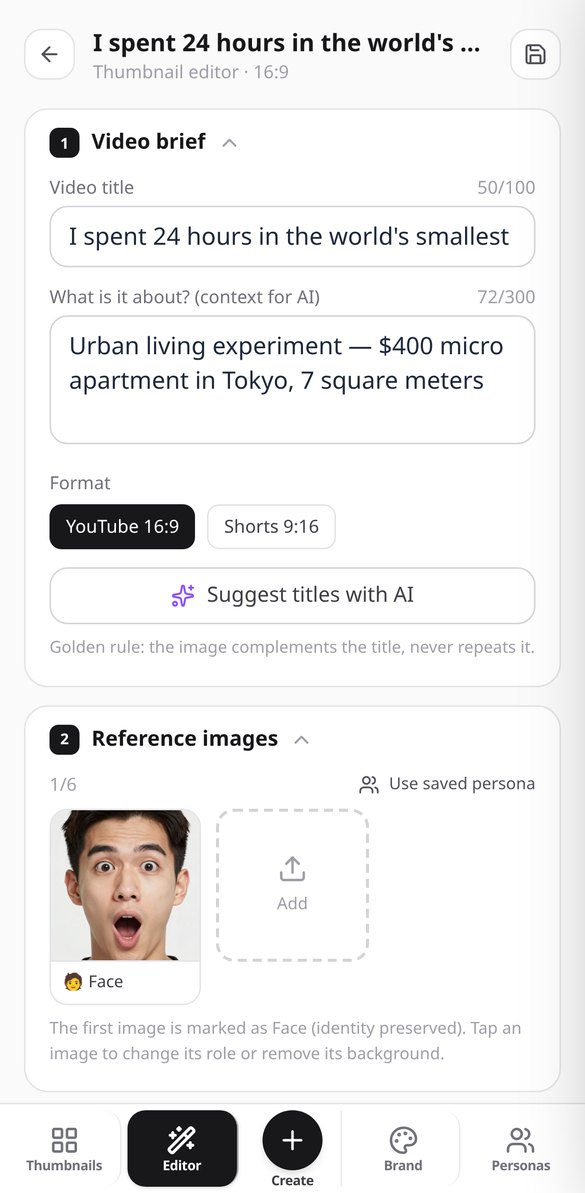
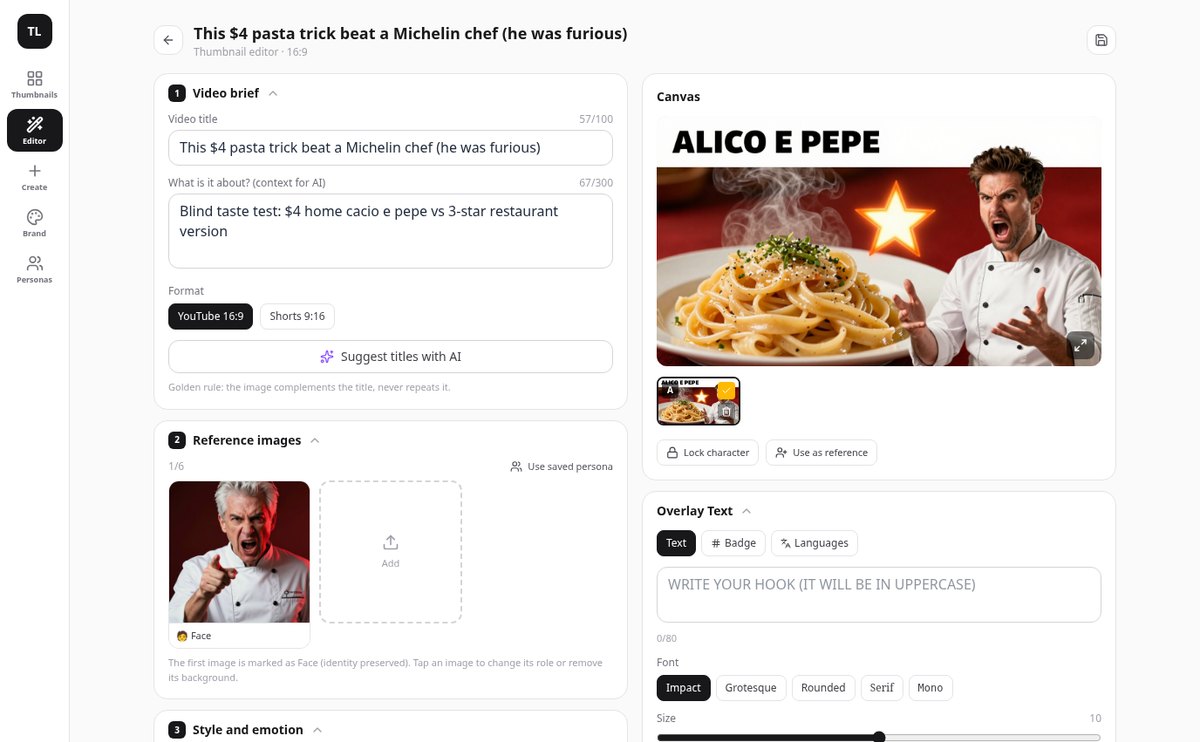
Your references, with their role
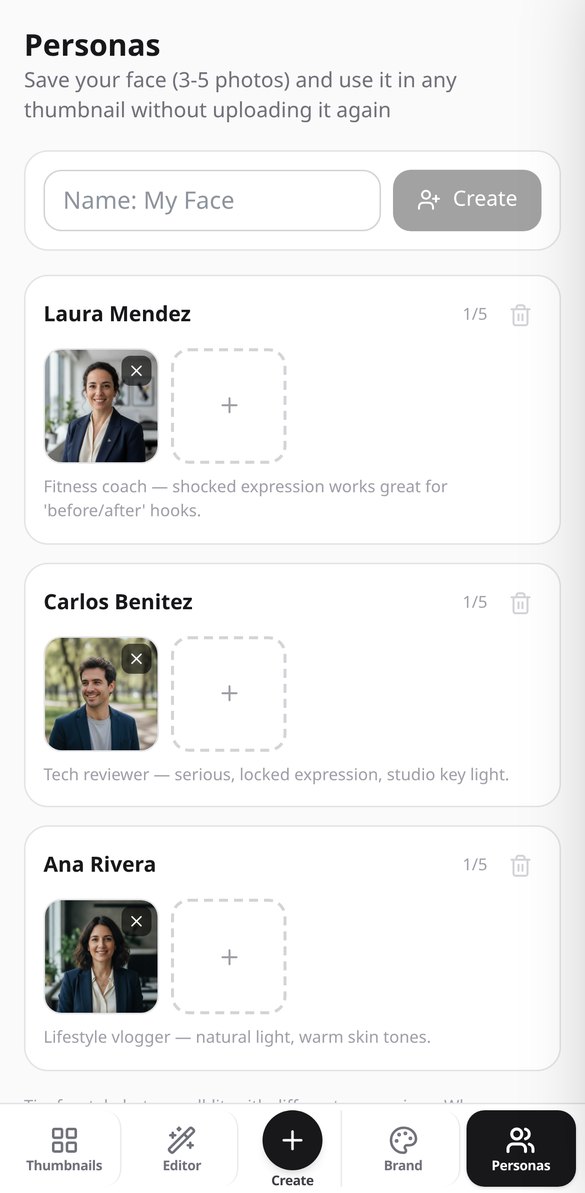
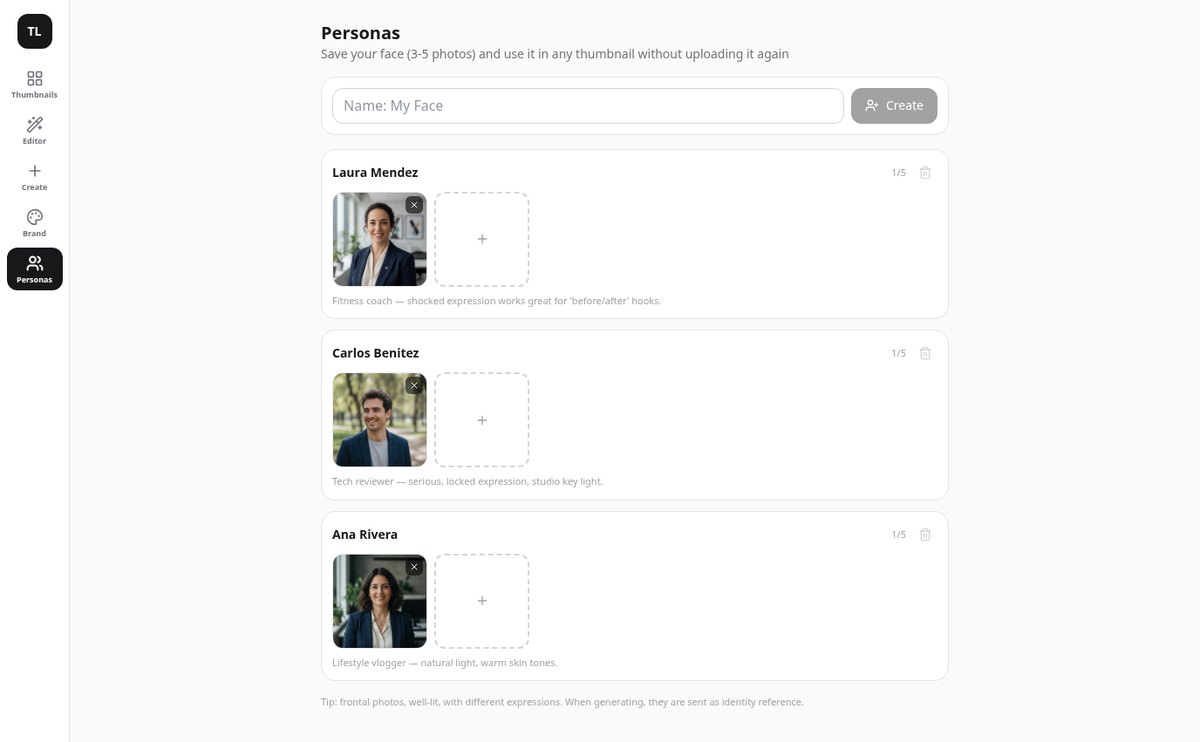
Upload up to 6 images and tell each one what it is: your face, a product, the background, or a style reference. The face always goes first so the AI respects your identity, and you can save up to 10 people with their photos to apply them to any video without re-uploading.
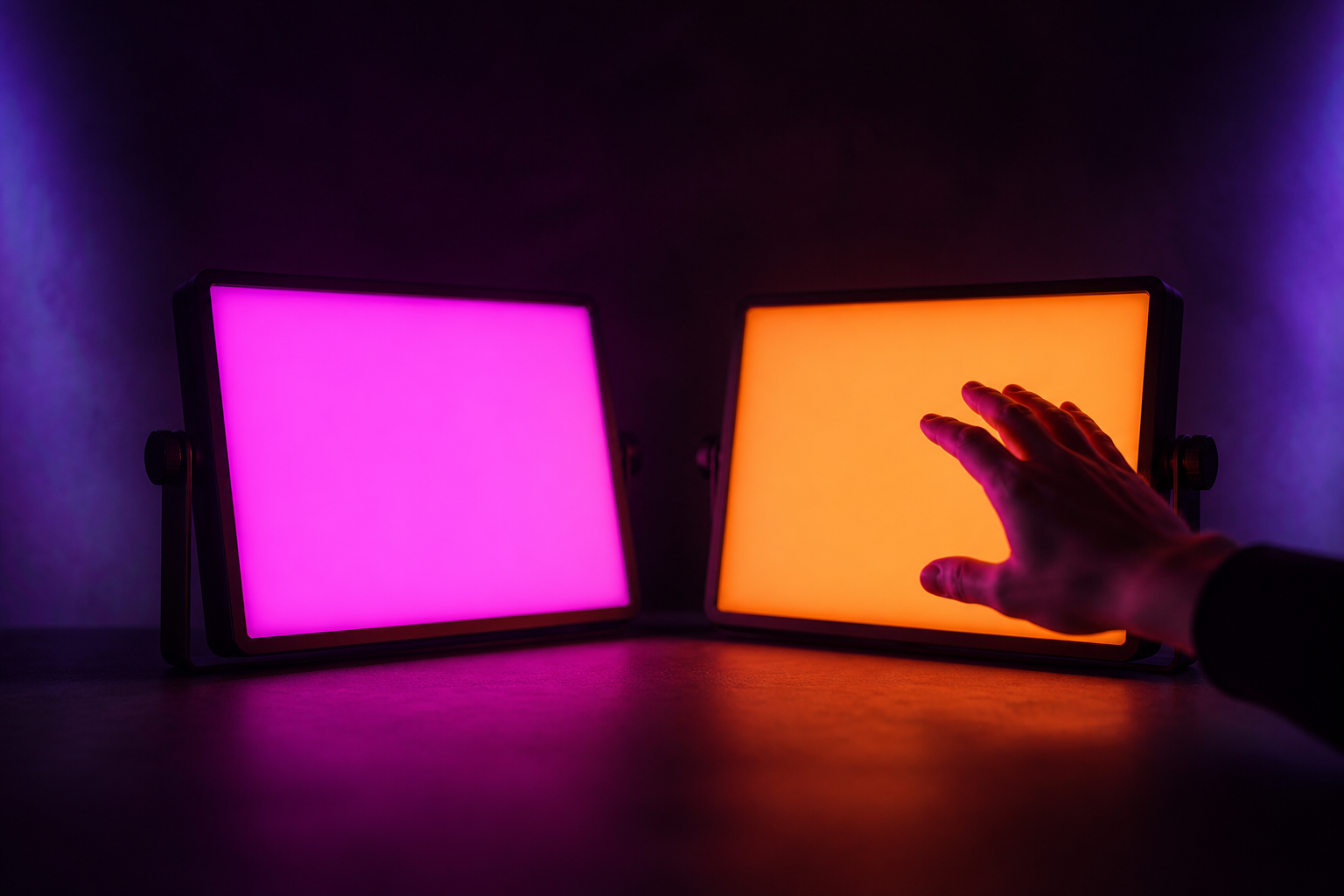
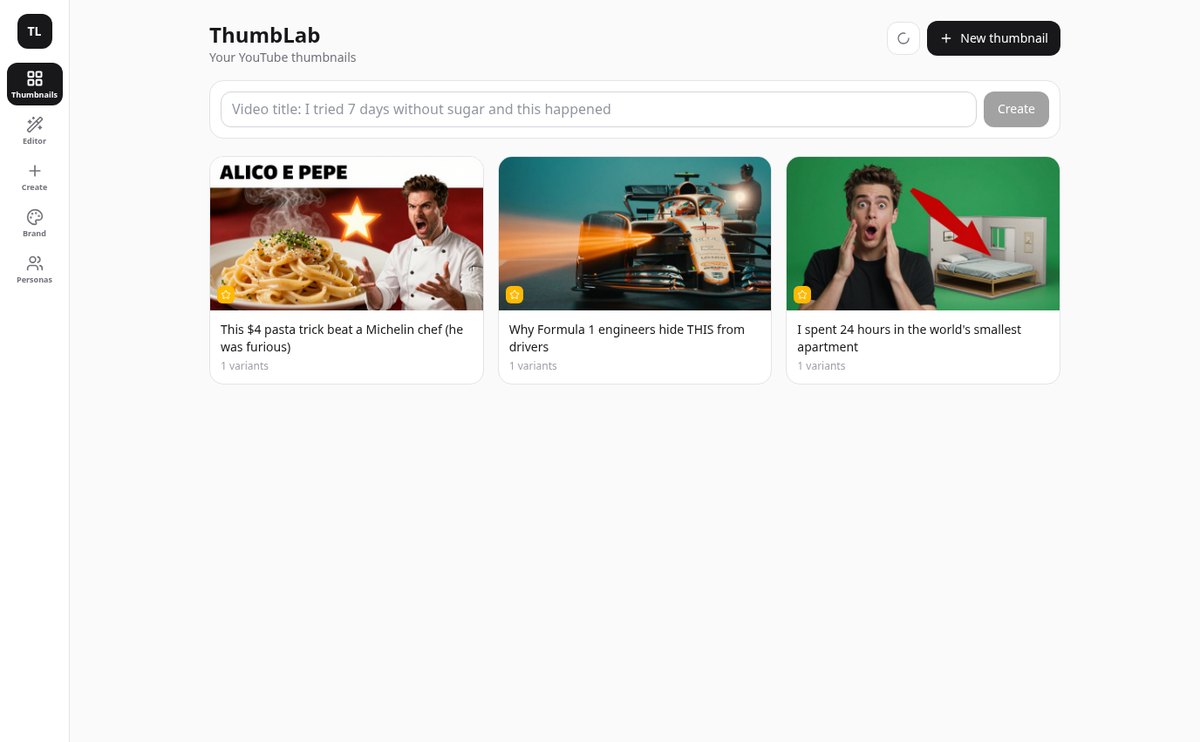
Two A/B variants and retouching without redoing
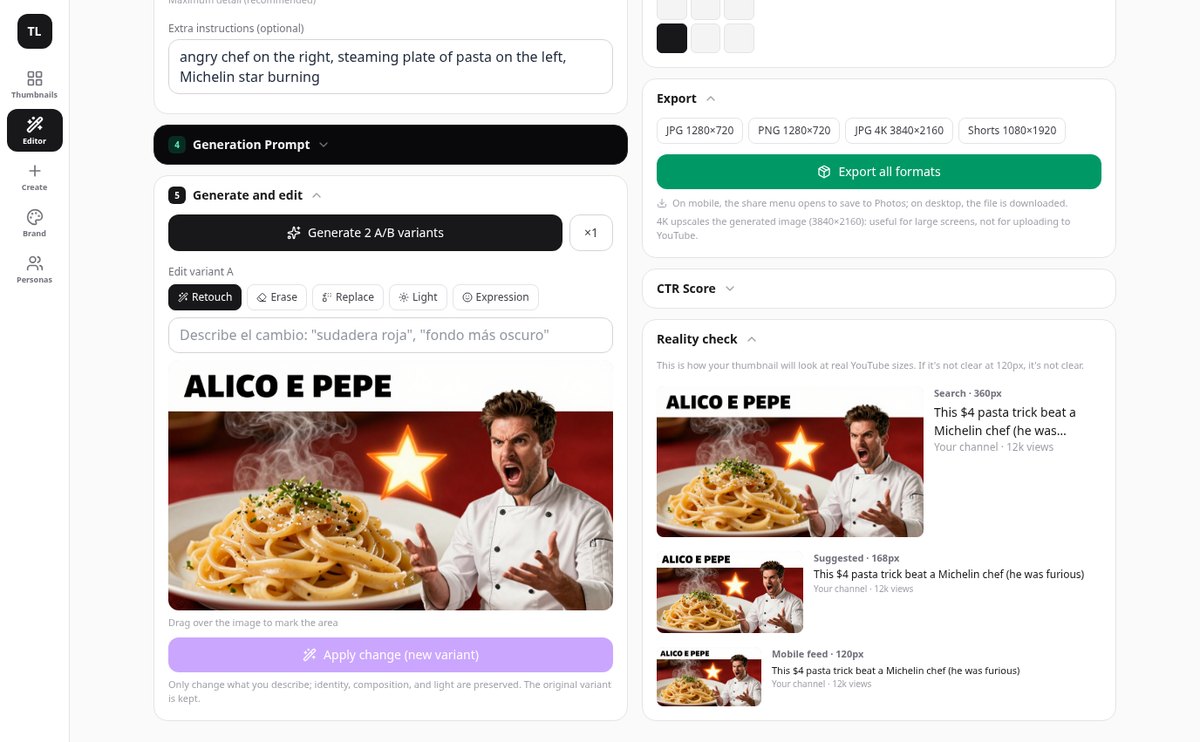
Generate two versions of the same idea, in 16:9 or 9:16 for Shorts, and compare them at full size. Retouch, erase an element, replace it, adjust the light, or change the expression by marking the area on the image and create a new variant: the original is never lost.
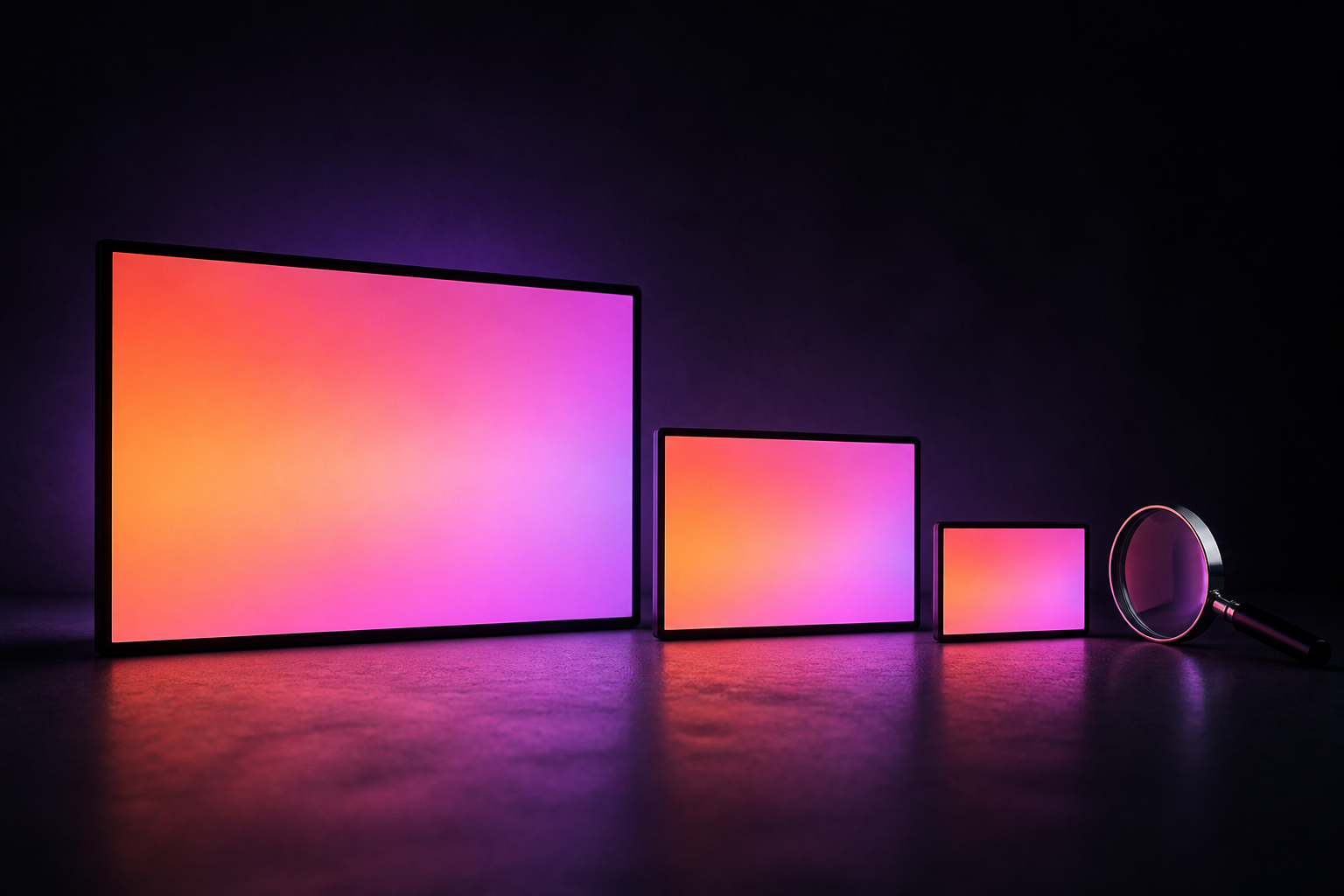
You add the text, not the AI
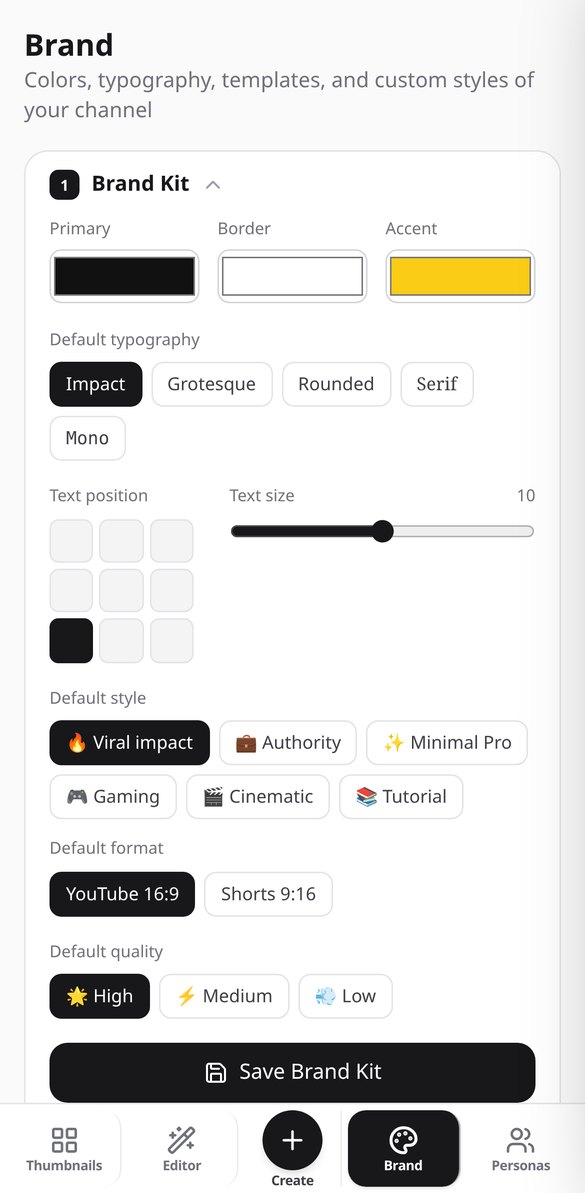
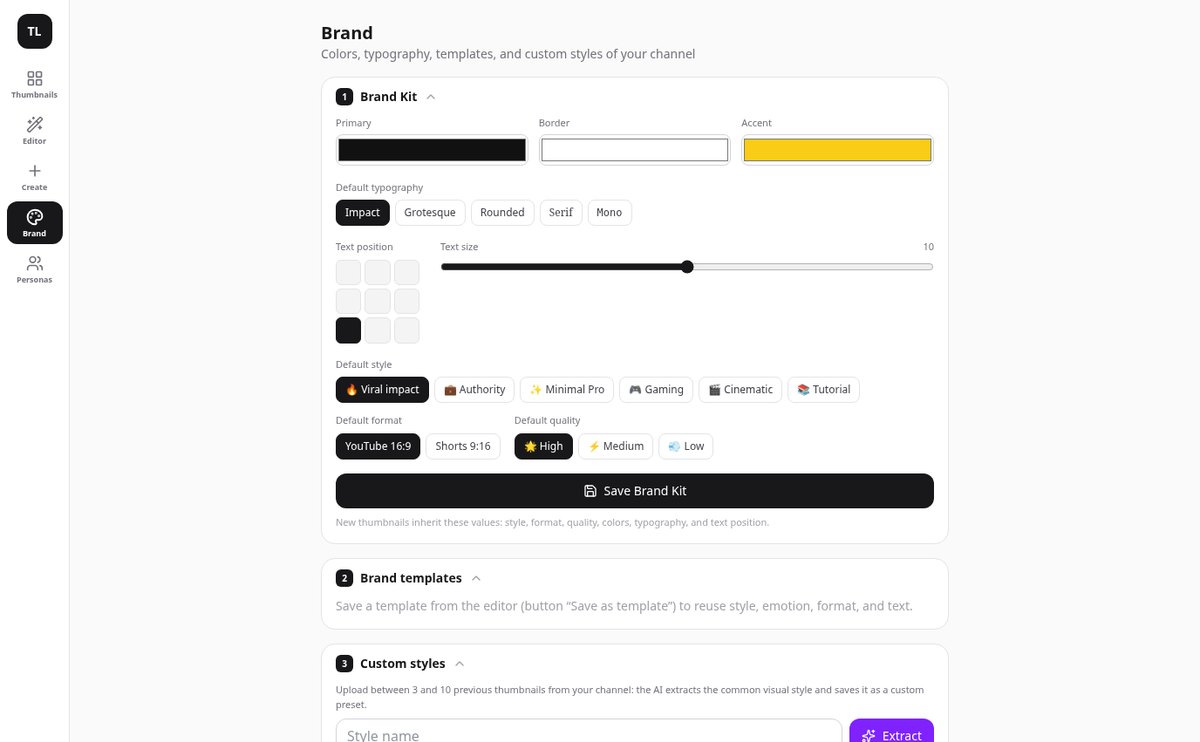
The image is generated without letters and with a reserved clean area. Typography, colors, outline, grid position 3×3, and numeric badge are composed on top and edited instantly, also in other languages. Reality check shows it at 360, 168, and 120 pixels, and the AI scores the CTR of the final composition.
Your thumbnail in three steps
Unggah CV Anda atau ceritakan kepada saya
Unggah CV yang sudah Anda punya dalam PDF, Word, atau foto kertas dan aplikasi memindahkannya ke profil Anda. Jika Anda tidak punya, profil dibangun lewat percakapan: obrolan hanya menanyakan apa yang kurang dan Anda bisa melewati blok serta kembali kapan pun.
Tempel lowongan dan lihat kecocokan Anda
Tambahkan lowongan sebagai teks, URL, atau tangkapan layar. Dalam hitungan detik Anda mendapatkan persyaratannya yang dipisahkan menjadi wajib dan diinginkan, serta tabel yang memberi tahu mana yang Anda penuhi, dengan bukti apa dari Anda, dan mana yang tidak. Kekurangan dijawab dengan satu pertanyaan singkat dan disimpan di profil Anda.
Buat, ekspor, dan pantau
Anda menekan «Buat CV» dan mengekspornya dalam PDF atau teks biasa. Lamaran tetap berada di papan dengan status dan tanggalnya, dan saat Anda menceritakan kabar baru —sebuah kursus, sebuah sertifikat— aplikasi mengusulkan CV mana yang perlu mencerminkannya, dengan sebelum dan sesudahnya di depan Anda.
Frequently Asked Questions
Latest blog articles
Guides and news to get more out of it

Dynamic YouTube Thumbnails: How to Prepare the 3 Images Required by the New System
YouTube allows uploading 3 thumbnails per video and serves the one that fits best to each audience. How to prepare the three, measurements, and what to read in the metrics.

How to Create YouTube Thumbnails in 2026: Official Dimensions, the 120-Pixel Test, and a 5-Step Process
Official YouTube dimensions in 2026, the 120-pixel test, mistakes that sink your CTR, and a 5-step process to create your thumbnail with ThumbLab.
Create the thumbnail for your next video
Buat akun gratis Anda, unggah CV yang sudah Anda punya, dan buat CV untuk lamaran berikutnya hari ini juga.